A proper concerns log
Concerns, actions and referrals in one place, each child's chronology pulled together with accidents and absences, and the whole file sent securely to the next school when a child moves.
- Concerns about staff routed to the head, or to the chair when it's about the head
- Staff told only to speak to the DSL team, never why
- Every opening of a file recorded
Medical where staff need it
Families keep allergies, conditions and medication up to date themselves. Care plans are signed by families and read by every member of staff who teaches the child.
- Allergies on registers, trip sheets and club lists
- Care plans with review reminders
- The nurse's day in one place
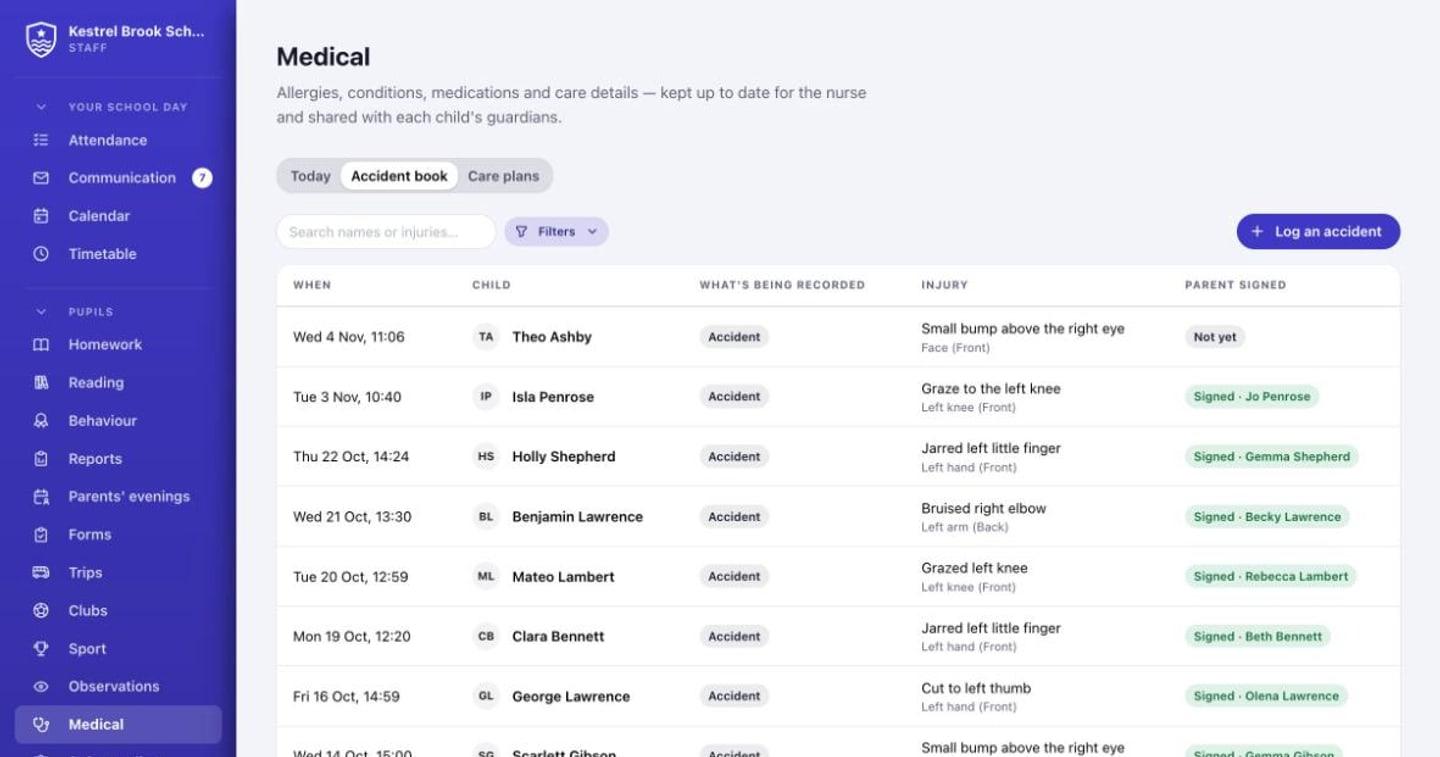
The accident book, signed
Log an accident or an injury a child arrived with on a body map. Families are told the same day and sign to say they've seen it.
- Front and back body map
- Same-day alerts to every guardian
- Unsigned reports chased automatically
Questions
Can school admins read safeguarding concerns?
No. Only the DSL team your school chooses can read them. Not admins, and not Perch's own staff.
What happens when a child moves school?
The file goes to the new school's DSL through Perch, opened with a code you give them by phone. Opening it counts as the receipt.
More of Perch
Be first to try Perch at your school
Perch is getting ready for its first schools. Leave your email and we'll tell you when you can try it, and send the way into our made-up demo school.